
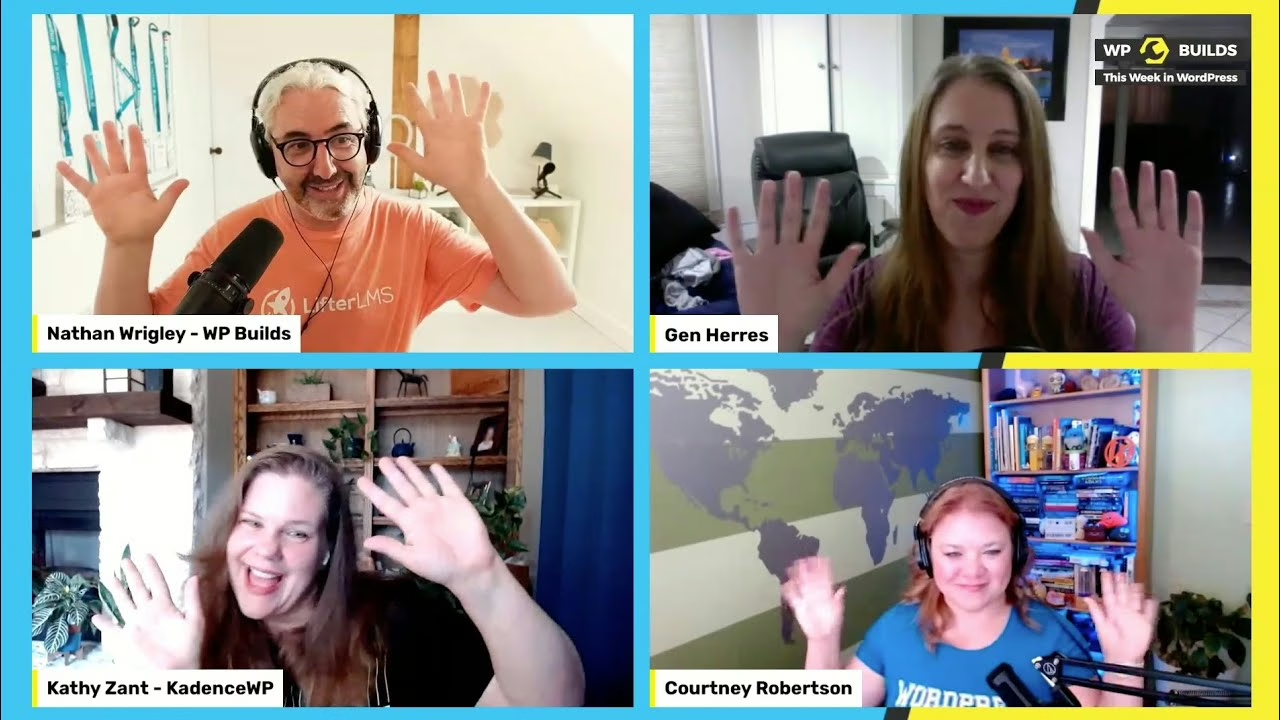
What should a client be able to change in a block theme, and what should stay locked? That question came up on This Week in WordPress 216, WP Builds’ Monday news panel. I joined Nathan Wrigleycolleague, Kathy Zantcolleague, Bob Dunncolleaguemet and Gen Herres, after a detour about my electric violin.
🎙️ Episode details
- Show: This Week in WordPress 216, “To Bob or not to Bob,” from WP Builds
- Host: Nathan Wrigley
- Panel: Kathy Zant, Bob Dunn, Gen Herres and me
- Live: Monday, July 11, 2022. The podcast then followed on July 12.
- Topics: block locking for client sites, a plugin check tool, the Tide team, and Web3
- Show notes: This Week in WordPress 216 on WP Builds, with news links and a transcript
The captions come from a machine transcript I generated, and I haven’t proofread them yet. WP Builds also publishes a full transcript on the show notes page.
🔒 Block locking and client sites
Back in 2014 and 2015, managing Headway sites for clients, I used CSS to hide front end editing unless a client meant to go there. Similarly, full site editing brings the same worry: it’s easy to change a template by accident. At the time, you could lock the block you were on, but not the blocks nested inside it. Bulk locking was still being built. (Nested blocks took me back to nested tables, and nobody wants that again.)
🧰 Plugin checks and the Tide team
On a proposed plugin check tool, I compared it to the Theme Check plugin: something a developer early in their journey could run before a plugin ever reaches a GitHub repository. When the panel asked about the Tide team, I said I hadn’t seen recent meetings, could be wrong, and suggested its Make WordPress page as the place to check.
🔗 Web3 without the coins
I said I didn’t have a compelling reason for cryptocurrency in WordPress. What interested me was verifiable records, such as a learner’s completed Learn WordPress courses attached to their profile, and structured data about the work someone has done.
🧪 What can you take from this block locking talk?
- Site builders: decide what clients may edit before handoff, then lock the rest.
- New plugin developers: run an automated check early, even before you use version control.
Also, more conversations like this one live in my podcast and speaking archive.
🗓️ Archival note
This panel streamed live on July 11, 2022, and WP Builds published it the next day. On November 9, 2026, I moved this post to the live date and expanded it from the publisher’s automated transcript. However, However, I reviewed that transcript, not the recording.