
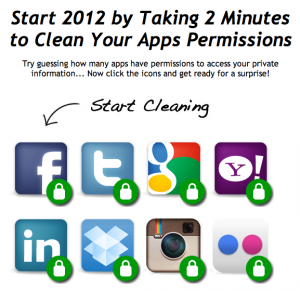
Do you know what sites and applications you’ve given permission to access your social media accounts? You could go digging through the settings of each platform (which I’ve been known to do), or you could just visit one website with a link to the top social media platforms permissions pages: MyPermissions.org.
After logging in to websites like Digg, IFTTT, Pinterest, and more using my Facebook account, I figured it’d be worth a review. Likewise, you should also scan your permissions and delete anything you don’t recognize or no longer use. How often have you read entirely what you’ve given permission for each app or website to do with your account? It’s better to be extra safe about this than sorry later.
Learn how to use MyPermissions: