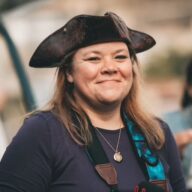
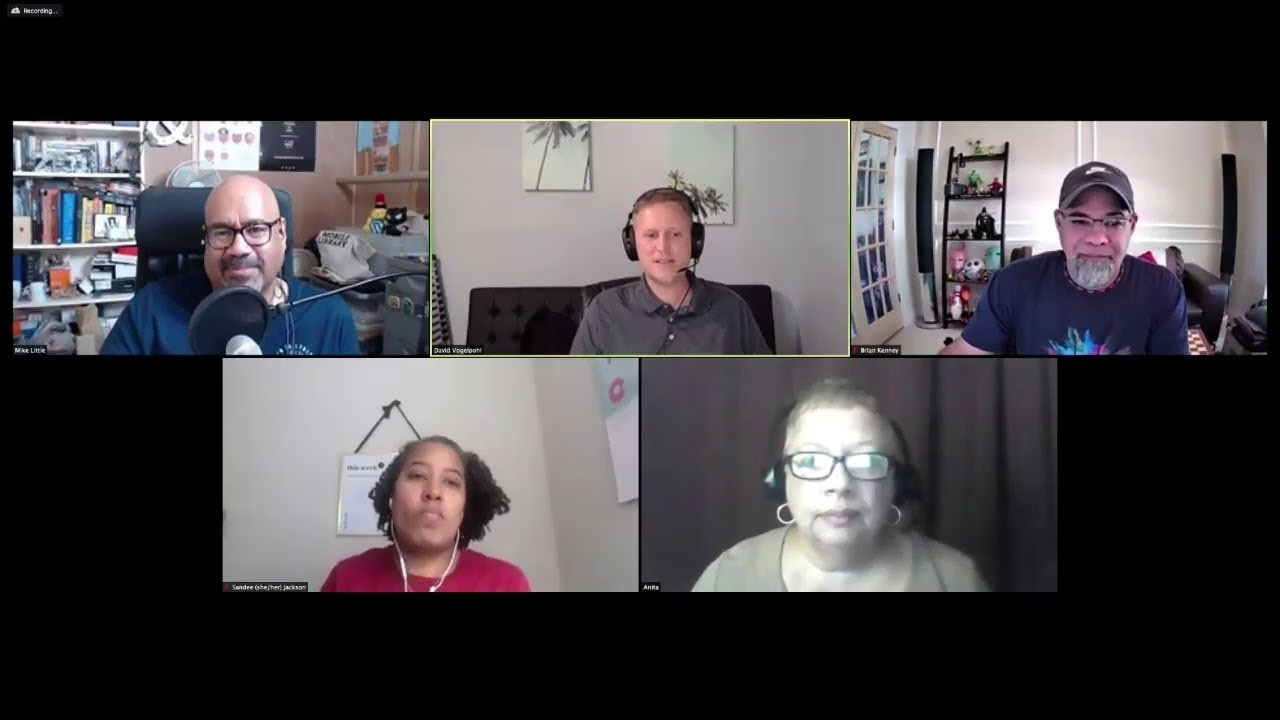
How do you plan a WordPress curriculum when WordPress keeps changing under your students? David Vogelpohlcolleague asked me that on Press This, the WordPress community podcast he hosted for WP Engine. I was the guest, talking about scaling a business by teaching WordPress to the people around you.
🎙️ Episode details
- Show: Press This, on WMR
- Host: David Vogelpohl, WP Engine
- Guest: me, Courtney Robertson
- Released: November 11, 2020
- Topics: where I started, teaching with Code Differently, planning a WordPress curriculum, and Learn WordPress
- Read and listen: Scale Your Business by Teaching WordPress on Torque, with a full transcript
The captions come from a machine transcript I generated, and I haven’t proofread them yet.
🧭 Where I started with WordPress
My origin story, for example, starts in a high school business education classroom, teaching HTML and CSS. Then I tried WordPress around version 2.3 for a personal blog and learned to register sidebars and widgets with the Revolution theme. After that, my first WordCamp was WordCamp Mid Atlantic in 2009.
🏫 What was Code Differently teaching?
I described my work with Code Differently, a Delaware training organization that, as I said then, had not charged a single participant. That summer, for example, I taught high school students who were paid to learn WordPress, from installing it and running backups to page builders and premium plugins.
Next up were a do it yourself track for business owners hit by COVID, a Return Ready program for laid off workers learning HTML, CSS and React, and 1000 Kids Coding for grades 6 through 12, with Chromebooks and hosting donated by WP Engine.
🧩 How do you plan a WordPress curriculum?
My approach starts with the outcome. First, everyone learns the same user basics: installing WordPress locally and on a host, staging, backups and the block editor. After that, a business owner may stop at a page builder. Meanwhile, aspiring developers keep going into blocks and themes.
For developer tracks, however, I asked employers what they needed from entry level applicants and worked backward from their answers. David summed it up as reverse engineering the curriculum from the job.
🔄 Should a WordPress curriculum teach WordPress as it is, or as it’s becoming?
Then David asked whether talking about the future confuses learners. My answer came from experience: in the middle of that summer’s high school course, the block editor interface changed. So I teach where WordPress is today and point to where the project is heading, such as full site editing, so the change doesn’t blindside students in their first job.
📚 Getting involved with Learn WordPress
I’d rejoined the WordPress Training Team that year, after first joining in 2013. At the time, Learn WordPress was in a soft launch, the team was auditing every lesson plan, and we needed volunteers.
🧪 What can you take from this WordPress curriculum talk?
- Agencies and in house teams: define the job first, then teach backward from it.
- Educators: name what’s changing in WordPress so learners expect it.
- Contributors: Learn WordPress is open to people who want to help write and review lessons.
📝 My original note
When I first shared this episode, I wrote:
I had a chance to catch up with David Vogelphol from the Genesis community to share what an impact his interview about challenges around being black in the WordPress community had in my program.
Also, more conversations like this one live in my podcast and speaking archive.
🗓️ Archival note
Press This published this episode on November 11, 2020. On November 9, 2026, I expanded this post from the publisher’s episode page and its transcript. That transcript is automated and has errors, so I paraphrased rather than quoted. I reviewed the transcript, not the audio.